Book a Free Strategy Call
Skip the read: talk to Walid in 30 min.
Free strategy call. We map your AI engineering team, you keep the notes.
Updated September 2026
12 Best Local LLM Tools to Run LLMs Locally in 2026
The best local LLM stack in 2026 splits by job: Ollama for developers who want a model behind a local API in one command, LM Studio for the most polished desktop GUI, GPT4All and AnythingLLM for document chat, vLLM for high-throughput production serving, and llama.cpp as the engine layer with the deepest control. llamafile and KoboldCpp run from a single file with no install. Jan, TextGen, LocalAI, and Open WebUI cover offline privacy, power-user tuning, OpenAI-compatible backends, and shared team chat.
The trigger was open weights. GLM-5.2 shipped in June 2026 as the new leading open-weight model on the Artificial Analysis Intelligence Index, and it runs under a permissive license. The argument that "running local models is good now" hit the top of Hacker News for a reason: a model on your own hardware finally handles real work.
This guide covers the 12 best tools to run LLMs locally in 2026, what each one does well, and how to pick. We focus on local AI software that you control, not hosted APIs.
For the hosted alternative, our free AI models directory tracks 297 genuinely-free APIs and models with rate limits, commercial-use flags, and setup instructions.
TL;DR
- Ollama is the fastest on-ramp for developers who want one command and a local API.
- LM Studio is the most polished desktop app for non-coders who want a GUI.
- Jan is the privacy-first, fully offline desktop option with an open codebase.
- GPT4All is the simplest entry point and ships built-in document chat (LocalDocs).
- AnythingLLM adds document workspaces, agents, and multi-user support on top of a local or hosted model.
- vLLM and llama.cpp are the engines: vLLM for high-throughput serving, llama.cpp for raw control and CPU or Apple Silicon inference.
- LocalAI and Open WebUI round out the stack as an OpenAI-compatible backend and a self-hosted chat interface.
- llamafile and KoboldCpp ship as a single executable, so there is nothing to install.
- TextGen (formerly text-generation-webui) is the power-user app with several backends and LoRA training.

Why run LLMs locally? (privacy, cost, control)
Three reasons drive the move to local.
Privacy comes first. When a model runs on your own machine, your prompts and data never leave it. No vendor logs, no third-party retention, no exposure of regulated or proprietary content. For legal, healthcare, and finance teams, that alone justifies the setup.
Cost is the second driver. API bills scale with every token. A local model has a fixed hardware cost and then runs without per-request fees. For high-volume, repetitive tasks, the math flips toward owning the compute. For a concrete implementation, see our guide to self-hosting an AI stack without OpenAI using Ollama, LiteLLM, and n8n.
Control is the third. Local tools let you pin an exact model version, run fully offline, fine-tune behavior, and avoid surprise deprecations or rate limits. You decide when anything changes.
Free weekly brief
Steal our production automations
The exact n8n flows, Claude Code setups, and prompts we ship for clients, broken down step by step. No spam, unsubscribe anytime.
When local beats the API
Local wins in clear situations. Choose local when data cannot leave your environment, when you run a high volume of predictable calls, when you need offline or air-gapped operation, or when you want a model that never changes underneath you. It also wins for experimentation, where you swap models freely without billing friction.
Hosted APIs still win when you need the absolute top frontier model, elastic scale with zero ops, or the latest capabilities the day they ship. Many teams run a hybrid: local for the bulk, API for the hard edge cases. For a directory of hosted models, including context windows, pricing, and availability, see our model directory. If you are mapping that split for your own stack, our guide on how to implement AI in business walks through the decision.
How we ranked these 12 tools
We ranked each tool on three things, in this order. First, how fast a new user gets a model answering on their own machine. Second, how well it fits one real job: app development, document chat, production serving, or team use. Third, how open it is, meaning the license and whether the code is public. The four tools added in September 2026 (AnythingLLM, llamafile, TextGen, KoboldCpp) are described from their official docs and GitHub repos, checked on 2026-09-26. No hands-on testing is claimed for them.
1. Ollama
Ollama is the most popular way to run open models locally. You install it, run one command like ollama run, and the tool pulls the model and serves it behind a local API. It handles model management, quantization, and an OpenAI-compatible endpoint, so existing code points at localhost with almost no change.
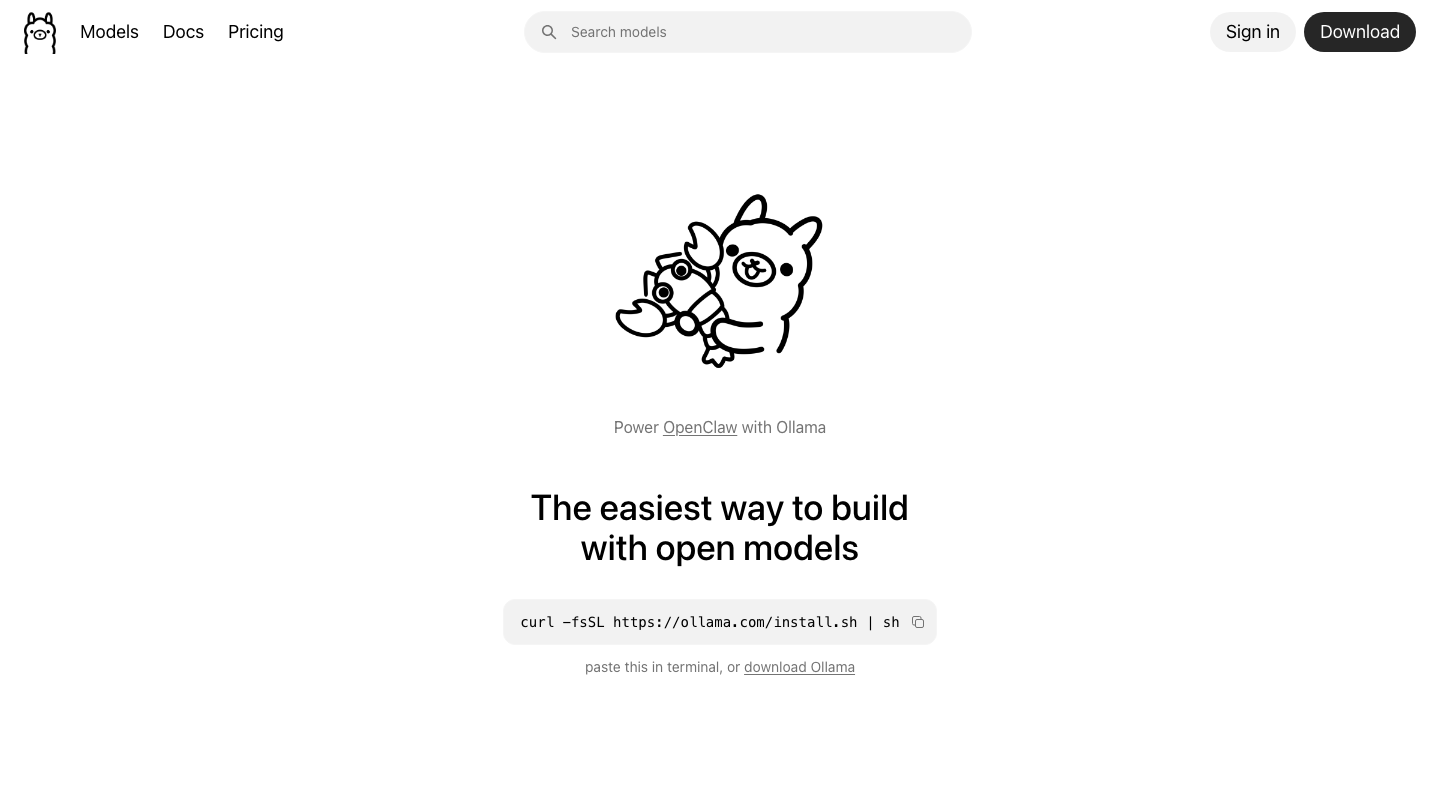
What it does: runs and serves open-weight models from a single CLI, with a built-in local API.
Best for: developers, quick testing, and wiring local models into apps.
Ease of use: very high for anyone comfortable with a terminal. Works on macOS, Linux, and Windows.
2. LM Studio
LM Studio is a desktop application that gives local models a clean graphical interface. You browse and download GGUF models, chat with them in a built-in window, and flip on a local server that speaks the OpenAI API format. It surfaces context length, quantization, and hardware settings without making you touch a config file.
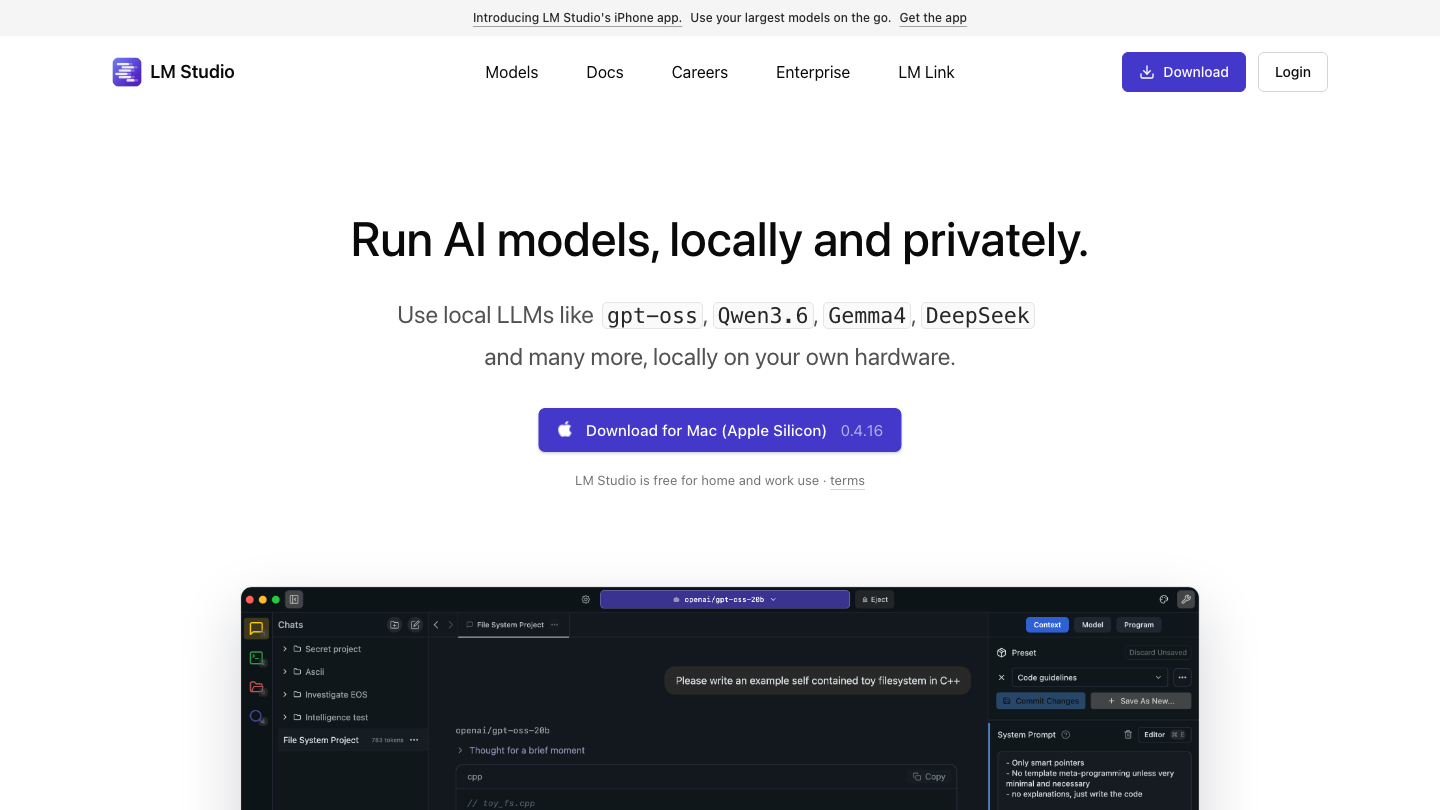
What it does: downloads, manages, and runs models through a polished GUI plus an optional local server.
Best for: non-coders, Windows users, and teams comparing models by hand.
Ease of use: very high. The most beginner-friendly GUI in this list.
3. Jan
Jan is an open-source desktop app built around privacy. It runs entirely offline by default, stores conversations locally, and ships as an Electron app you can audit. Jan supports multiple inference backends and can also connect to remote models when you choose, but its core promise is a private, local-first chat experience.
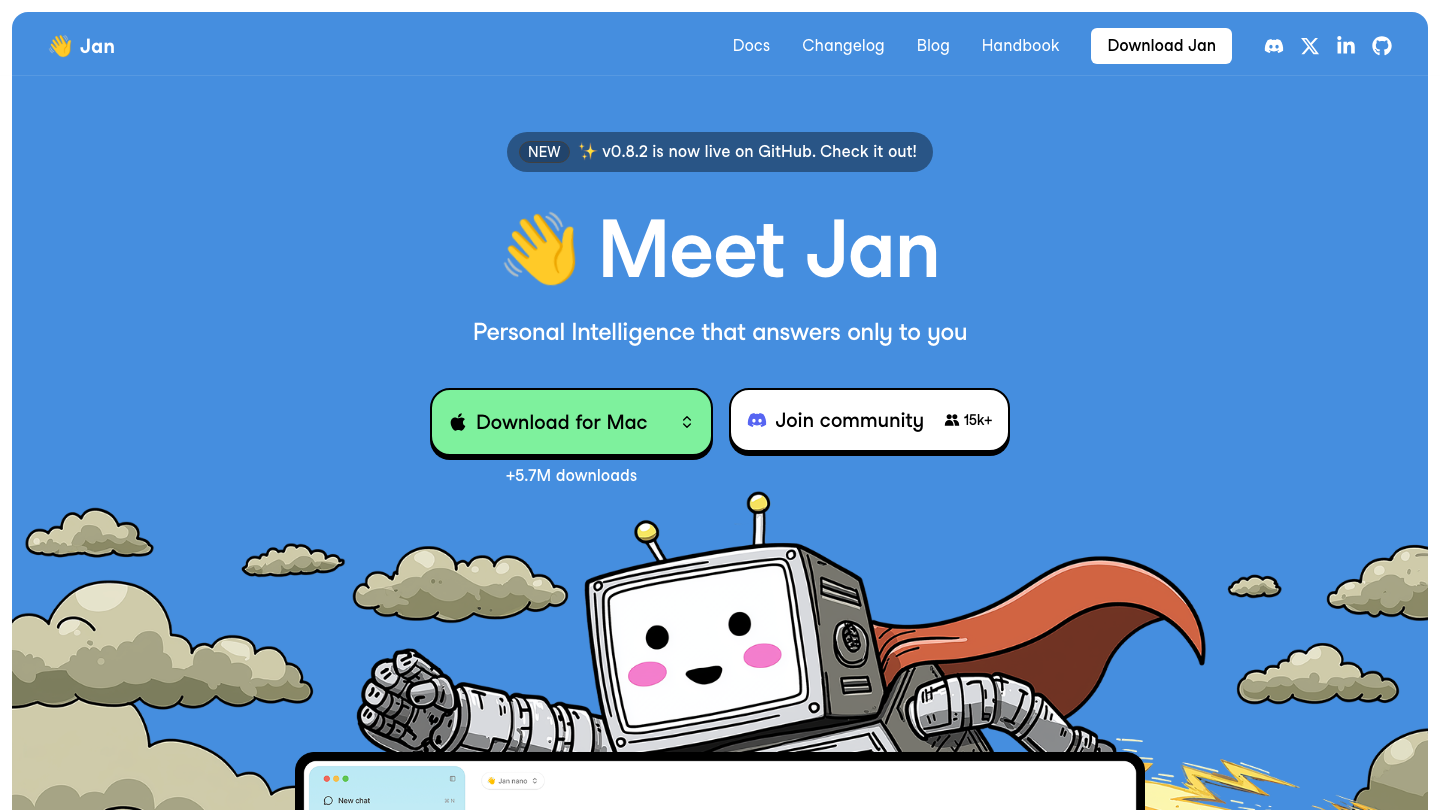
What it does: offline-first desktop chat over local models, with an open codebase.
Best for: privacy-focused users who want a GUI without sending data anywhere.
Ease of use: high. Install, pick a model, chat.
4. GPT4All
GPT4All, from Nomic AI, targets the simplest possible start. It runs models on ordinary laptops, including CPU-only machines, and bundles LocalDocs, a built-in retrieval feature that indexes a local folder so you can ask questions over your own files without any cloud step. In 2026 it added on-device reasoning, tool calling, and a code sandbox.
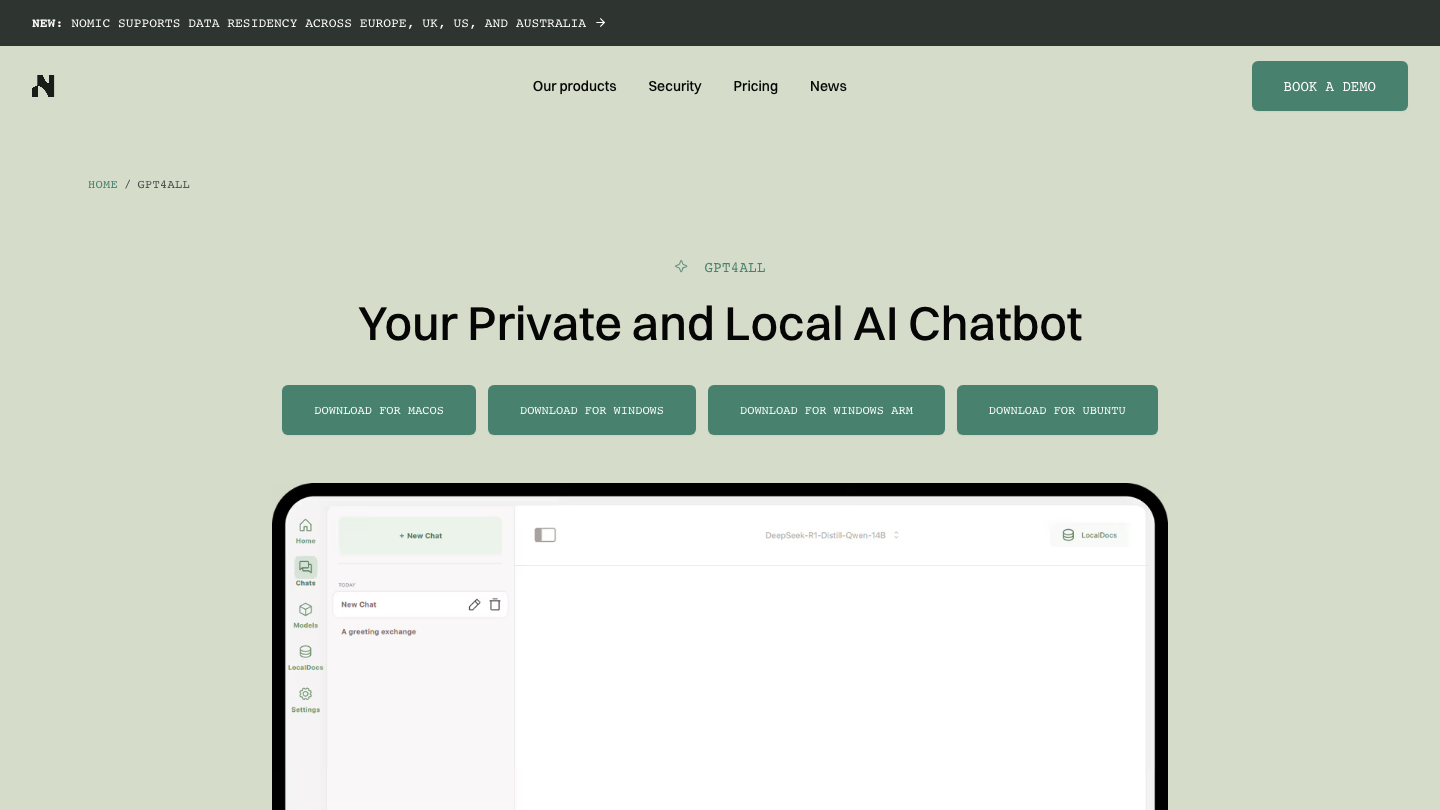
What it does: runs local models with built-in document chat over your own files.
Best for: non-technical users and private document Q&A on modest hardware.
Ease of use: very high. One installer, no terminal required.
5. AnythingLLM
AnythingLLM, from Mintplex Labs, is an all-in-one app for chatting with your documents and running AI agents. The desktop app is available for Mac, Windows, and Linux, and the project says it runs locally by default. It can load any llama.cpp-compatible model itself or sit on top of Ollama, LM Studio, or LocalAI, and it also connects to hosted providers when you want them. It is MIT licensed.
What it does: document workspaces with drag-and-drop upload and source citations, a no-code agent builder, MCP compatibility, scheduled tasks, and a developer API. Multi-user permissions and an embeddable chat widget come with the Docker version only.
Best for: teams that want private document chat plus agents in one app, without assembling a RAG framework by hand.
Ease of use: high. Download the desktop app, pick a model, drop in files.
Drawback: anonymous telemetry (sent through PostHog) is on by default. You can turn it off in the sidebar Privacy settings or with DISABLE_TELEMETRY, but you have to know to do it.
Skip it if: you only want a bare model behind an API. Ollama or llama.cpp does that with far less on top.
Source: AnythingLLM GitHub README, checked 2026-09-26.
6. vLLM
vLLM is the serving engine that powers many of the fastest hosted providers, and you can run it yourself. Its PagedAttention design delivers high-throughput, batched inference, which makes it the right pick when many requests hit the same model at once. It expects a capable GPU and a bit more setup, but it scales where desktop apps stall.
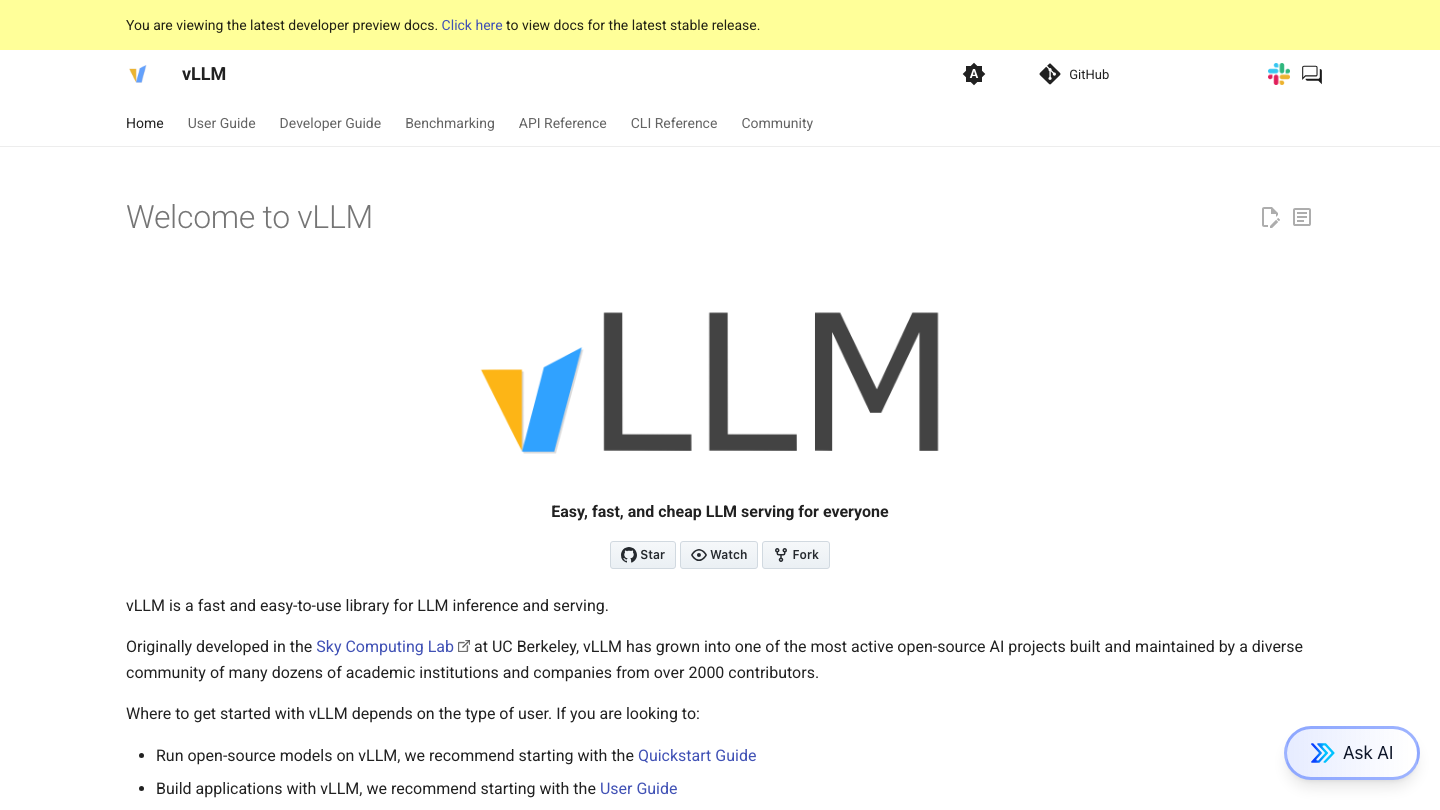
What it does: high-throughput, production-grade model serving with an OpenAI-compatible API.
Best for: teams self-hosting a model behind real traffic.
Ease of use: moderate. CLI and config driven, GPU oriented.
7. llama.cpp
llama.cpp is the C++ inference engine that much of this stack builds on, including parts of Ollama and LM Studio. It runs GGUF quantized models efficiently on CPU, on Apple Silicon, and on GPUs, and it gives you the deepest control over quantization, threading, and memory. If you want to understand exactly how a model executes, this is the layer.
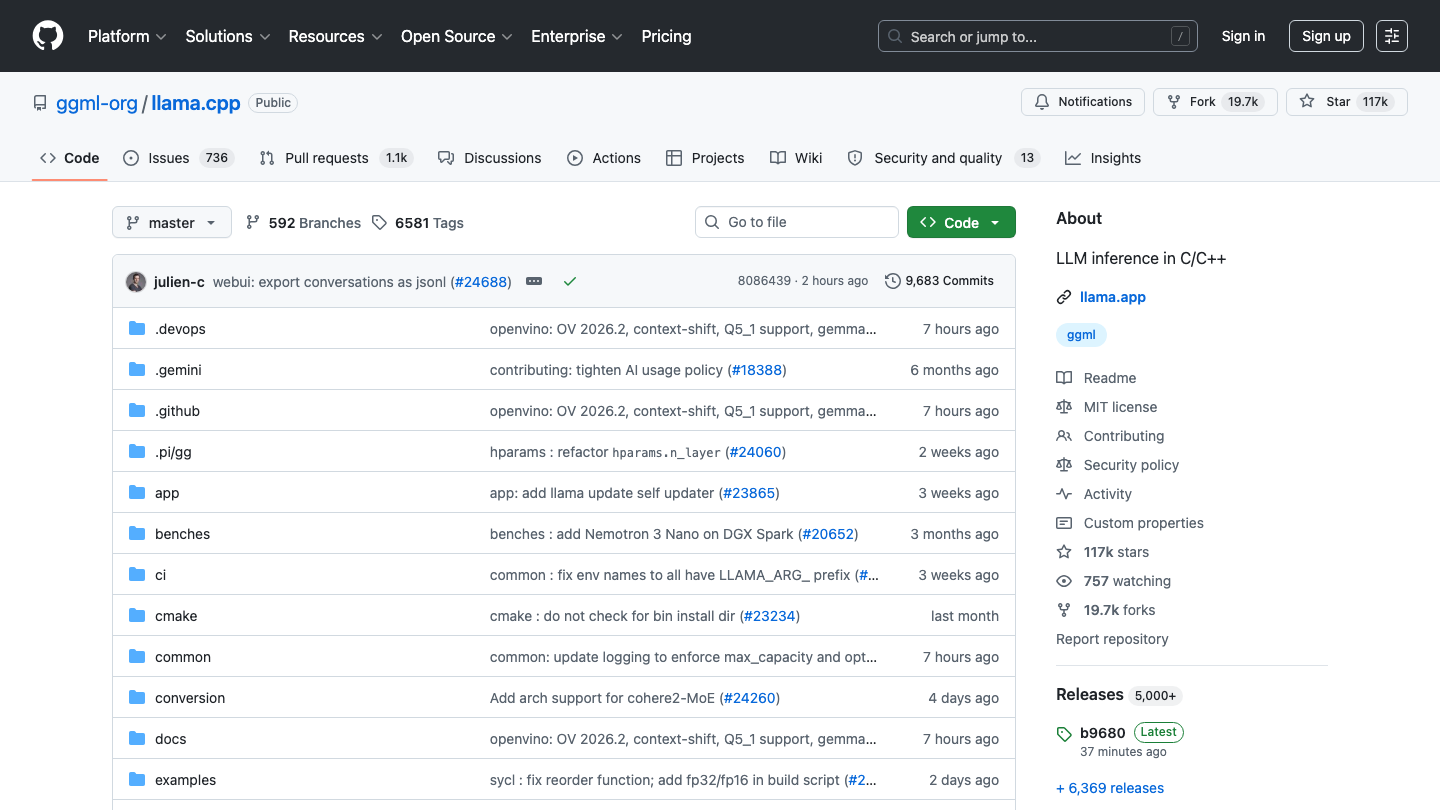
What it does: low-level, high-efficiency inference engine for quantized models across hardware.
Best for: engineers who want maximum control and broad hardware support.
Ease of use: moderate to low. Built for people comfortable compiling and tuning.
8. LocalAI
LocalAI is a drop-in replacement for the OpenAI API that runs on your own infrastructure. It exposes the familiar OpenAI endpoints while routing requests to local backends, and it supports text, image, audio, and embedding models. Point any OpenAI-compatible client at it and the rest of your code stays the same.
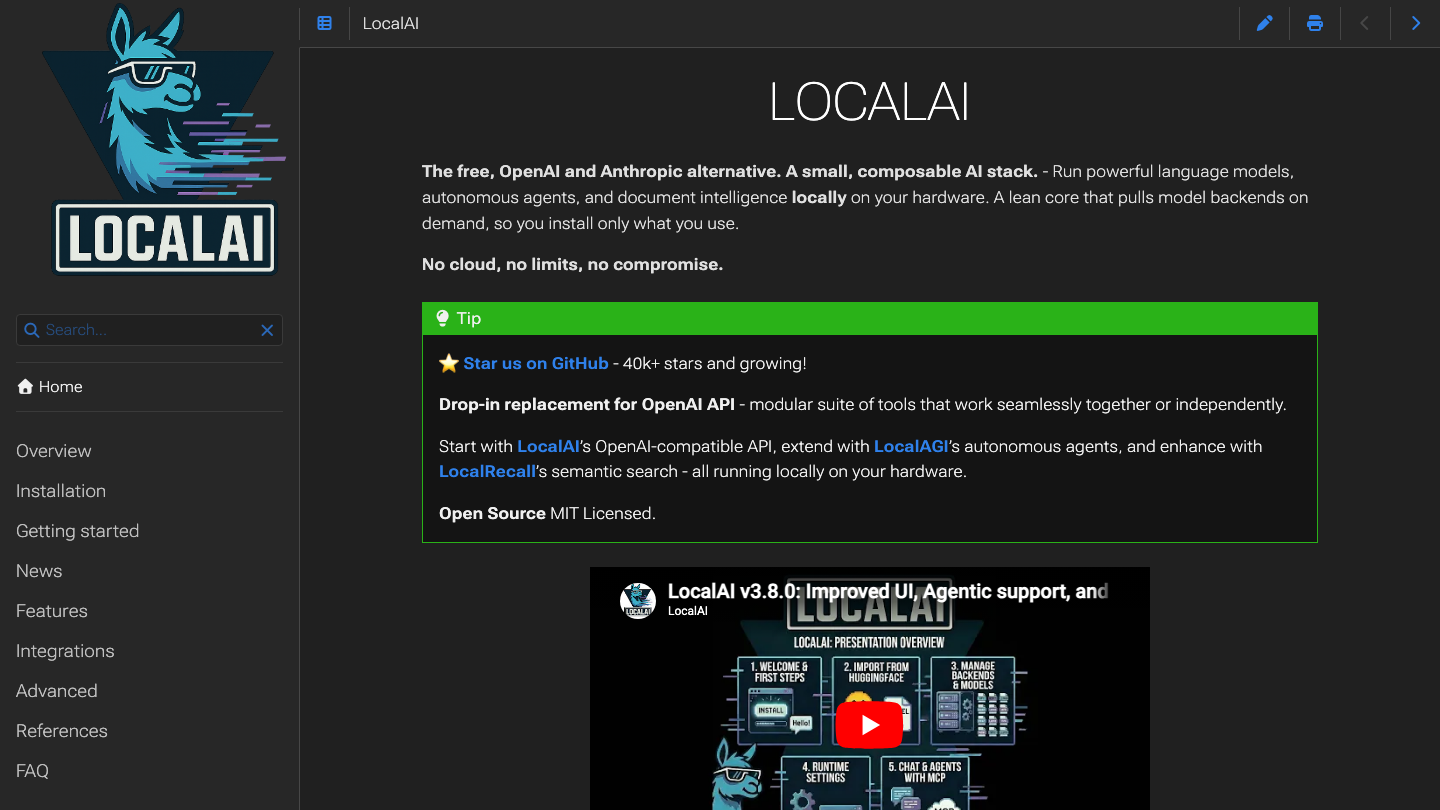
What it does: self-hosted, OpenAI-compatible API server spanning multiple model types and backends.
Best for: teams migrating off a hosted API without rewriting their app.
Ease of use: moderate. Container-friendly, some configuration involved.
9. Open WebUI
Open WebUI is a self-hosted chat interface that sits in front of your models. It connects to Ollama or any OpenAI-compatible backend such as vLLM or LocalAI, and gives you a full ChatGPT-style web app with users, model switching, and document upload. It is the front end that turns a raw engine into something a whole team can use.
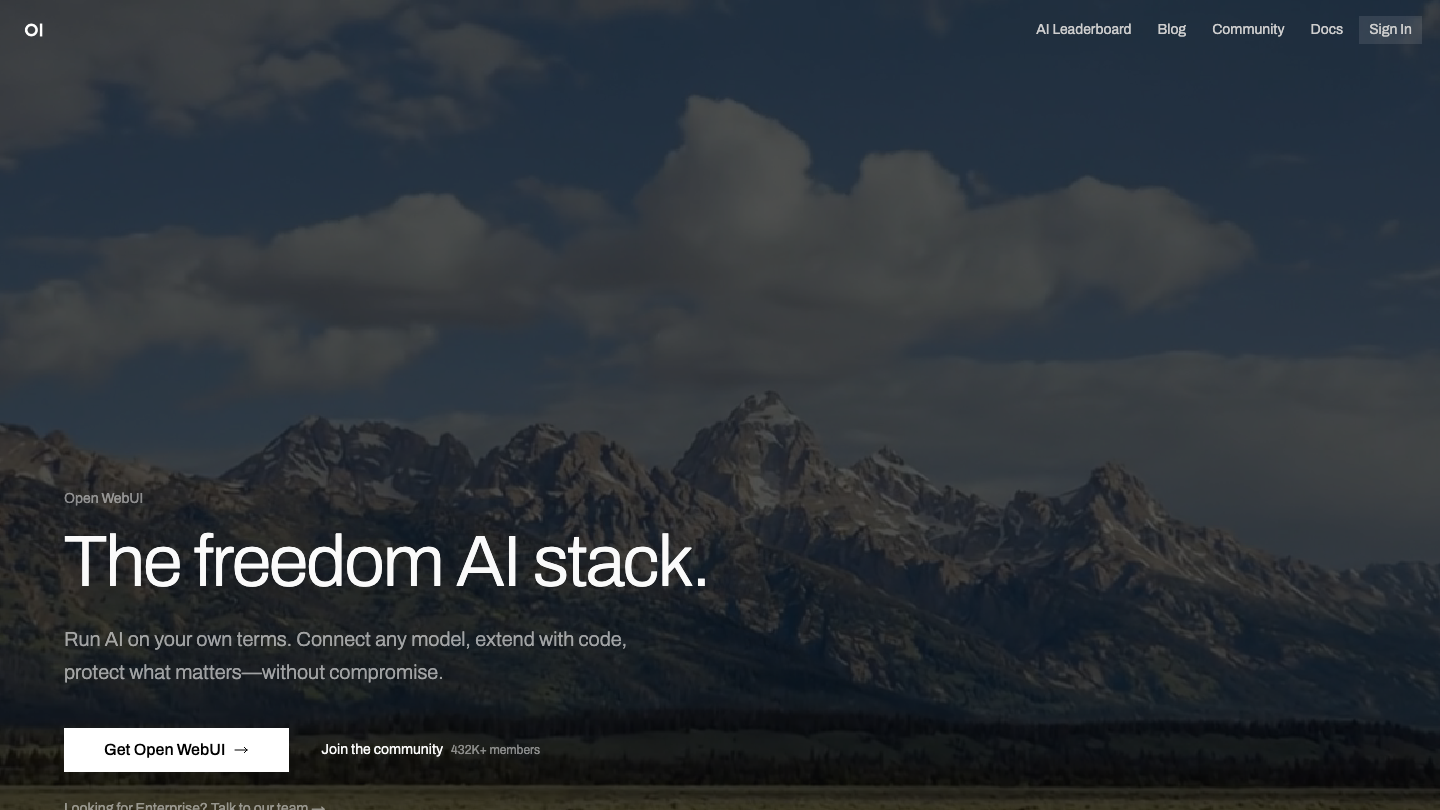
What it does: self-hosted, multi-user chat UI for local and self-hosted models.
Best for: teams that want a shared interface over a local backend.
Ease of use: high once a backend is running. Clean web experience.
10. llamafile
llamafile packs a model and its runtime into one executable file. It started as a Mozilla Builders project, now revamped by Mozilla.ai, and it combines llama.cpp with Cosmopolitan Libc so the same file runs on Linux, macOS, Windows 10 and later, FreeBSD, NetBSD, and OpenBSD with no installation. You download a file, mark it executable, and run it. The project is Apache 2.0 licensed.
What it does: opens a chat in your terminal, hosts the llama.cpp web UI at localhost:8080, and exposes endpoints compatible with the OpenAI API and Anthropic's Messages API. It also ships whisperfile, a single-file speech-to-text tool built the same way.
Best for: handing a working local model to someone who will never install Python, Docker, or a model manager.
Ease of use: very high for pre-built llamafiles. One download, one command.
Drawback: Windows cannot run an executable larger than 4GB, so bigger llamafiles fail there. The workaround is the plain llamafile binary with separate GGUF weights. Version 0.10 also moved to a new build system and may lack some features from the older releases.
Skip it if: you want a model library you browse and switch between in a GUI. LM Studio fits that better.
Source: llamafile GitHub README and llamafile docs, supported systems and quickstart, checked 2026-09-26.
11. TextGen (formerly text-generation-webui)
TextGen is the project many people still know as oobabooga's text-generation-webui. The GitHub repo now lives at oobabooga/textgen and describes itself as an open-source desktop app for local LLMs with no telemetry. Portable builds for Linux, Windows, and macOS come with CUDA, Vulkan, ROCm, and CPU-only options, and they run GGUF models out of the box. It is AGPL-3.0 licensed.
What it does: chat, instruct, and notebook modes, vision input, file attachments, tool calling with MCP support, and an API compatible with OpenAI and Anthropic. The full install adds more backends (Transformers, ExLlamaV3, TensorRT-LLM), LoRA fine-tuning, and an image generation tab.
Best for: power users who want to switch backends or train a LoRA from one interface.
Ease of use: high for the portable build (download, unzip, double-click). Moderate for the full install.
Drawback: the extra backends, training, and extensions need the full install, which downloads PyTorch and takes about 10GB of disk.
Skip it if: you want the smallest possible setup for one model. Ollama or llamafile gets there with less.
Source: TextGen GitHub README, checked 2026-09-26.
12. KoboldCpp
KoboldCpp is a single self-contained program built on llama.cpp that runs GGML and GGUF models on CPU or GPU, with full or partial GPU offload. It bundles the KoboldAI Lite interface, with chat, adventure, instruct, and storywriter modes, plus memory, world info, and character card support. Ready-made binaries cover Windows, macOS, and Linux. It is AGPL-3.0 licensed.
What it does: text generation plus image generation, speech-to-text through Whisper, text-to-speech, and vision, all from one file. It exposes API endpoints compatible with OpenAI, Ollama, A1111 and Forge, ComfyUI, and others, so other apps can use it as a backend.
Best for: fiction writing, roleplay, and hobbyists who want text, image, and voice models in one download.
Ease of use: high. Launching it with no arguments opens a settings GUI where you mostly set presets and GPU layers.
Drawback: the precompiled macOS binaries target Apple Silicon (ARM64). Older Intel Macs have to compile from source. The README also warns that koboldcpp.com is not an official site, so download only from the GitHub releases page.
Skip it if: you need a plain, business-style assistant for a team. Open WebUI or AnythingLLM fits that use better.
Source: KoboldCpp GitHub README, checked 2026-09-26.
Comparison table
| Tool | Best for | GUI/CLI | OSS |
|---|---|---|---|
| Ollama | Developers, local APIs | CLI | Yes |
| LM Studio | Non-coders, GUI users | GUI | No |
| Jan | Privacy, offline desktop | GUI | Yes |
| GPT4All | Beginners, document chat | GUI | Yes |
| AnythingLLM | Document chat plus agents | GUI | Yes (MIT) |
| vLLM | High-throughput serving | CLI | Yes |
| llama.cpp | Control, broad hardware | CLI | Yes |
| LocalAI | OpenAI-compatible backend | CLI | Yes |
| Open WebUI | Shared team chat UI | GUI | Yes |
| llamafile | Single-file, no install | CLI plus web UI | Yes (Apache 2.0) |
| TextGen | Power users, many backends | GUI | Yes (AGPL-3.0) |
| KoboldCpp | Fiction, roleplay, all-in-one | GUI | Yes (AGPL-3.0) |
A note on GLM-5.2 and open weights
The reason any of this matters now is that open-weight quality jumped. GLM-5.2, shipped by Zhipu AI (operating as Z.ai) in June 2026, became the leading open-weight model on the Artificial Analysis Intelligence Index, scoring 51 and pulling ahead of MiniMax-M3 and DeepSeek V4 Pro. It is a 744B-parameter Mixture-of-Experts model with 40B active parameters per token, a 1-million-token context window, and a permissive license.
That license is the point. A model you can download, own, and run on the tools above closes much of the gap with hosted frontier models for everyday work. For the full trade-off, read our breakdown of open-weight vs closed AI models. The full GLM-5.2 weights demand serious hardware, but smaller open models in the same wave run comfortably on a single workstation, which is what makes local AI practical in 2026. If you want a custom retrieval system around one of these models, our RAG pipeline architecture development team builds that end to end.
How to choose
Start from your role. If you write code and want a model in your app fast, pick Ollama. If you are not a coder and want to chat with models through a window, pick LM Studio or Jan, with Jan favored when offline privacy is the top concern. If you mainly want to ask questions over your own documents, GPT4All gets you there with the least setup, and AnythingLLM adds agents and workspaces when you outgrow it. If you need to hand a model to someone who will not install anything, send a llamafile or a KoboldCpp binary.
Which local LLM tool fits your situation
Ollama
LM Studio or Jan
GPT4All or AnythingLLM
llamafile or KoboldCpp
TextGen
vLLM plus LocalAI plus Open WebUI
Based on each project's official docs and GitHub README, checked 2026-09-26.
For production, think in layers. Use vLLM or llama.cpp as the engine, LocalAI as the OpenAI-compatible front door, and Open WebUI as the interface your team touches. vLLM serves heavy concurrent traffic; llama.cpp gives you control and runs almost anywhere. If you run several models side by side, a router in front of them helps, and our list of open-source LLM orchestration and routing tools covers the options.
Most teams combine two or three of these. The hard part is rarely the tool, it is wiring local inference into real workflows with the right model, retrieval, and guardrails. That is the work our AI agent development team does, and if you need a specialist embedded with your team, look at engineer placement.
FAQ
What is the easiest tool to run an LLM locally?
LM Studio and GPT4All are the easiest. Both are desktop apps with a graphical interface, no terminal required, and a guided model download. LM Studio adds a polished server option, while GPT4All adds built-in document chat. Either gets a non-technical user running a model in minutes.
Which local LLM tool runs without installing anything?
llamafile and KoboldCpp. Both ship as a single executable. A llamafile bundles the model and the runtime into one file that runs on Linux, macOS, Windows, and the BSDs. KoboldCpp is one binary for Windows, macOS, or Linux that loads any GGUF model you point it at. Neither needs Python or a package manager.
What is the best local LLM tool for chatting with my own documents?
GPT4All and AnythingLLM. GPT4All's LocalDocs indexes a local folder so you can ask questions over your files on modest hardware. AnythingLLM goes further, with document workspaces, source citations, and agents, and it can run on top of Ollama or LM Studio. Pick GPT4All for the simplest setup and AnythingLLM for more control.
What happened to text-generation-webui?
It is now called TextGen. The oobabooga GitHub repository moved to oobabooga/textgen, and the project now describes itself as a desktop app for local LLMs. It ships portable builds for Linux, Windows, and macOS, serves an API compatible with OpenAI and Anthropic, and still offers extra backends and LoRA training through the full install.
Do local LLM tools send telemetry?
Some do, so check before you trust one with private data. TextGen states it has zero telemetry. AnythingLLM sends anonymous usage data through PostHog by default and lets you switch it off in the Privacy settings or with DISABLE_TELEMETRY. For any tool, turn off telemetry and cloud connectors, then watch outbound traffic to confirm.
Do I need a GPU to run local LLMs?
No, not always. llama.cpp, GPT4All, and Ollama can run smaller quantized models on CPU and on Apple Silicon. A GPU speeds things up and is effectively required for large models or high-throughput serving with vLLM, but you can start on a modern laptop.
Is running LLMs locally actually private?
Yes, when the tool runs offline. Jan, GPT4All, and a local Ollama setup keep prompts and data on your machine with no cloud round trip. Confirm any remote or telemetry features are off, and avoid optional cloud connectors if privacy is the goal.
Ollama vs LM Studio: which should I pick?
Choose Ollama if you are a developer who wants a command-line tool and a local API to call from code. Choose LM Studio if you want a graphical app to browse, download, and chat with models by hand. Many people install both and use each for its strength.
What is the best local model to run in 2026?
GLM-5.2 leads the open-weight rankings in 2026, but its full size needs heavy hardware. For most local setups, pick a smaller open model that fits your memory budget and run it through Ollama, LM Studio, or llama.cpp. Match the model to your hardware first.
Can I replace the OpenAI API with a local setup?
Yes. LocalAI exposes OpenAI-compatible endpoints, and Ollama and vLLM also serve an OpenAI-style API. Point your existing client at the local endpoint and most code works unchanged. This is the common path for teams cutting API costs or meeting data rules.
What is the difference between vLLM and llama.cpp?
vLLM is built for high-throughput serving of many concurrent requests on GPUs, which suits production traffic. llama.cpp is a flexible inference engine focused on efficient single-machine runs across CPU, Apple Silicon, and GPU, with deep control over quantization. Use vLLM to serve at scale and llama.cpp to run and tune locally.
Do I need Open WebUI if I already use Ollama?
No, but it helps for teams. Ollama runs and serves models on its own. Open WebUI adds a shared, multi-user chat interface with model switching and document upload on top of Ollama or another backend. Add it when more than one person needs a clean front end.
For related guides in this cluster: free AI models for coding covers free hosted API options for editor integrations, best free AI models for n8n covers no-cost models for automation workflows, and free AI models for commercial use covers which hosted free tiers are license-safe to ship.
Sources: Artificial Analysis: GLM-5.2 leading open weights model, Ollama, LM Studio, Jan, GPT4All by Nomic AI, AnythingLLM, vLLM, llama.cpp, LocalAI, Open WebUI, llamafile, TextGen, KoboldCpp
Book a Free Strategy Call
Building this in production?
Walid runs a 30-min call to map your AI engineering team. Free, no slides.
Free weekly brief
Steal our production automations
The exact n8n flows, Claude Code setups, and prompts we ship for clients, broken down step by step. No spam, unsubscribe anytime.

Robel engineers production-grade automation pipelines at AY Automate, focused on integrations, reliability, and the systems that keep client workflows running.